Visitor counting and queue management

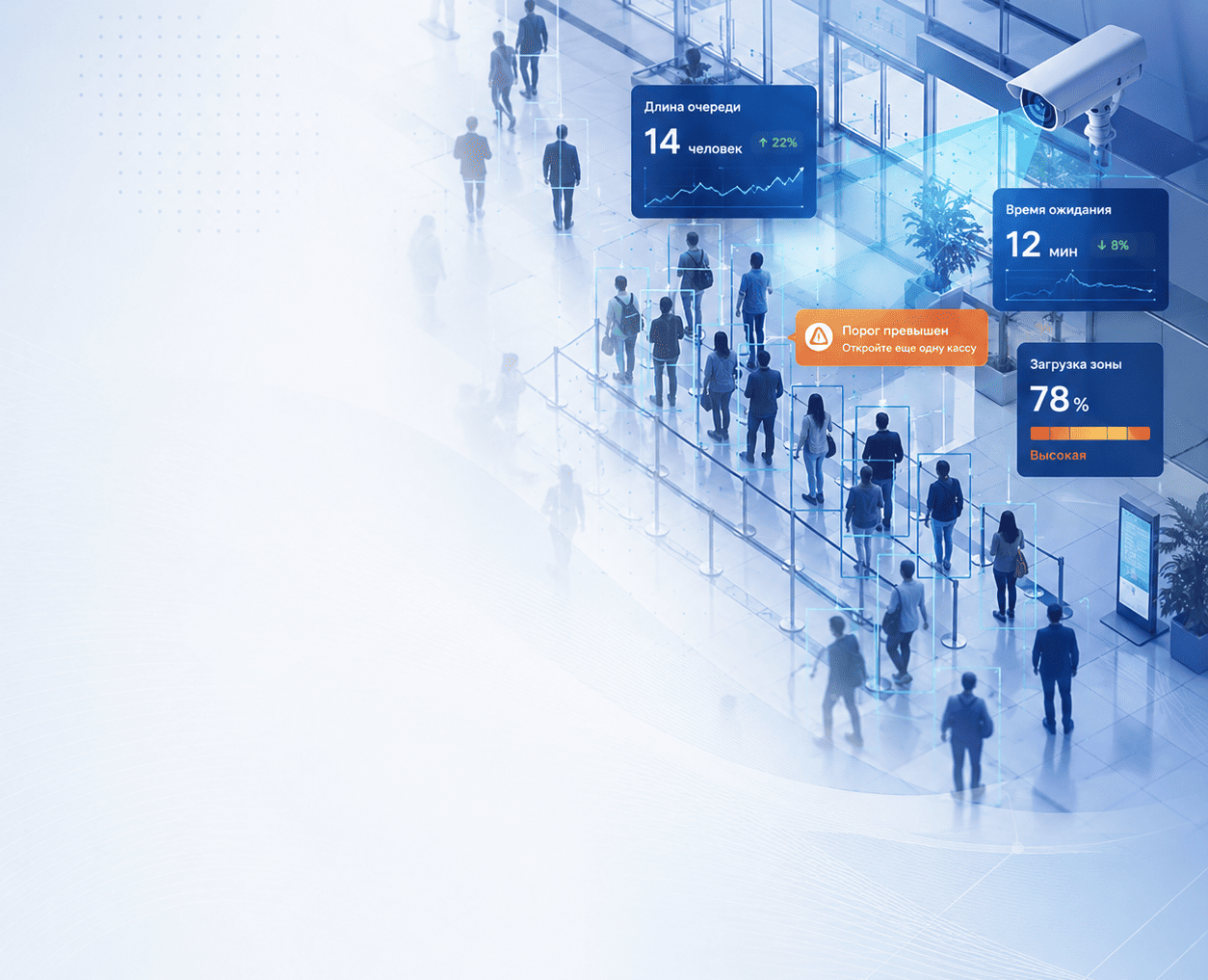
The visitor counting and queue management system helps monitor incoming traffic, queue length, waiting time, service-area load and the quality of customer flow in real time.

The system also analyzes the audience: gender, age, demographic profile, repeat visits, unique visitors and other customer-flow characteristics.

Works with existing cameras Real-time notifications Unique visitors Audience analytics
Visitor counting and queue management

Everything for queue and customer-flow control in one module

  • Visitor counting
  • Unique visitors and employee exclusion
  • Queue length and waiting-time control
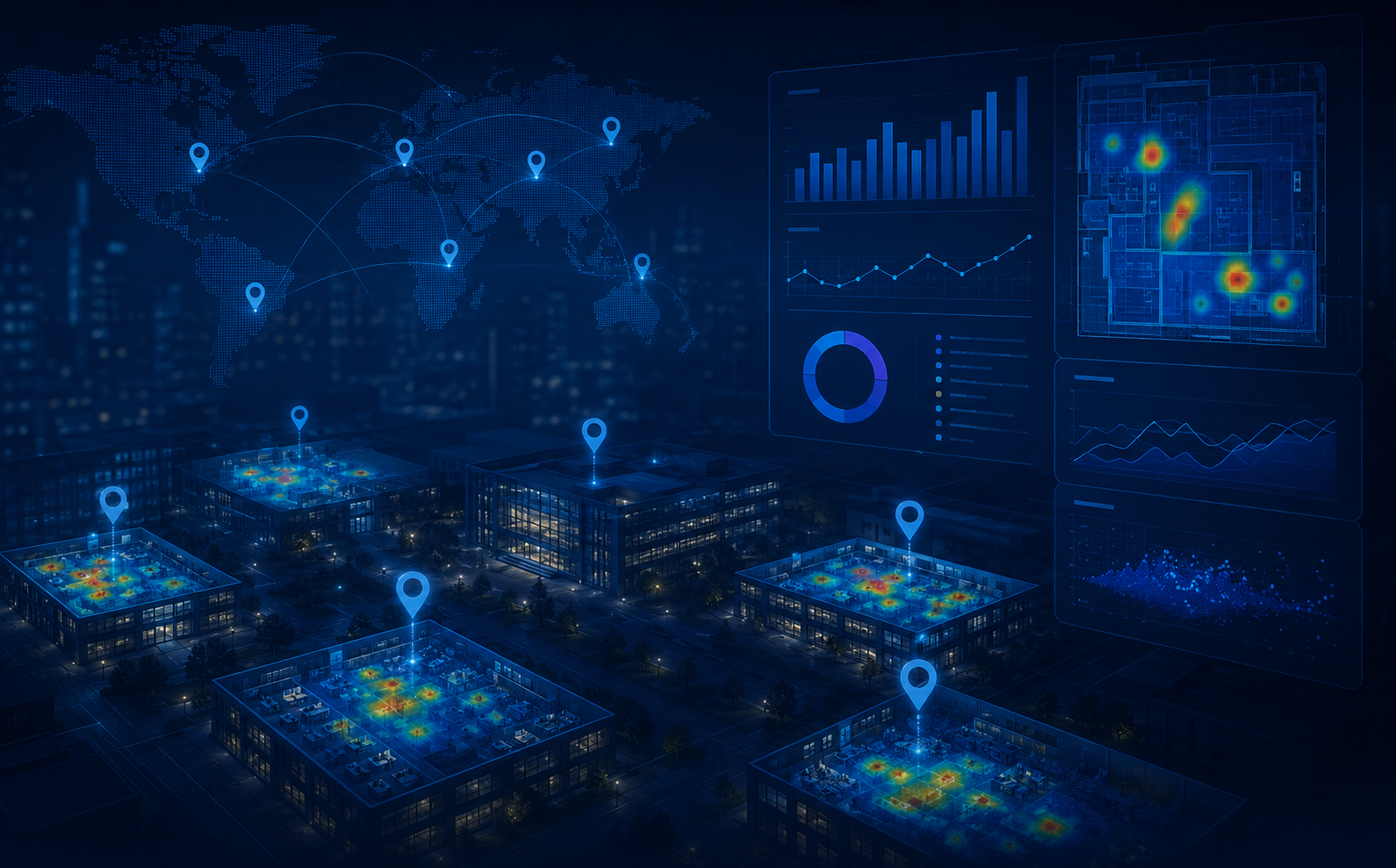
  • Heat maps and zone occupancy
  • Predictive analytics
  • Automated management
  • Audience analytics
–20–40% reduction in average waiting time
–30% reduction in queue events over 3 months
–50% reduction in queue complaints
+5–10 NPS / CSI growth

Queues are a systemic problem for retail, banks, service businesses and public-service facilities. More than 70% of customers are ready to leave when they see a long queue, while every extra minute of waiting reduces satisfaction by 5–7%.

No objective data Managers cannot see the actual real-time load in service areas and do not understand exactly where overload occurs.
Reactive management Problems become visible through complaints, when the customer is already unhappy or has left. Decisions are made late and without factual data.
Inefficient planning Without peak-load data, staff are either idle or insufficient during critical hours and in the busiest zones.
Losses and reputation Queues cause lost customers, negative reviews, fewer repeat visits, lower LTV and a worse customer experience.
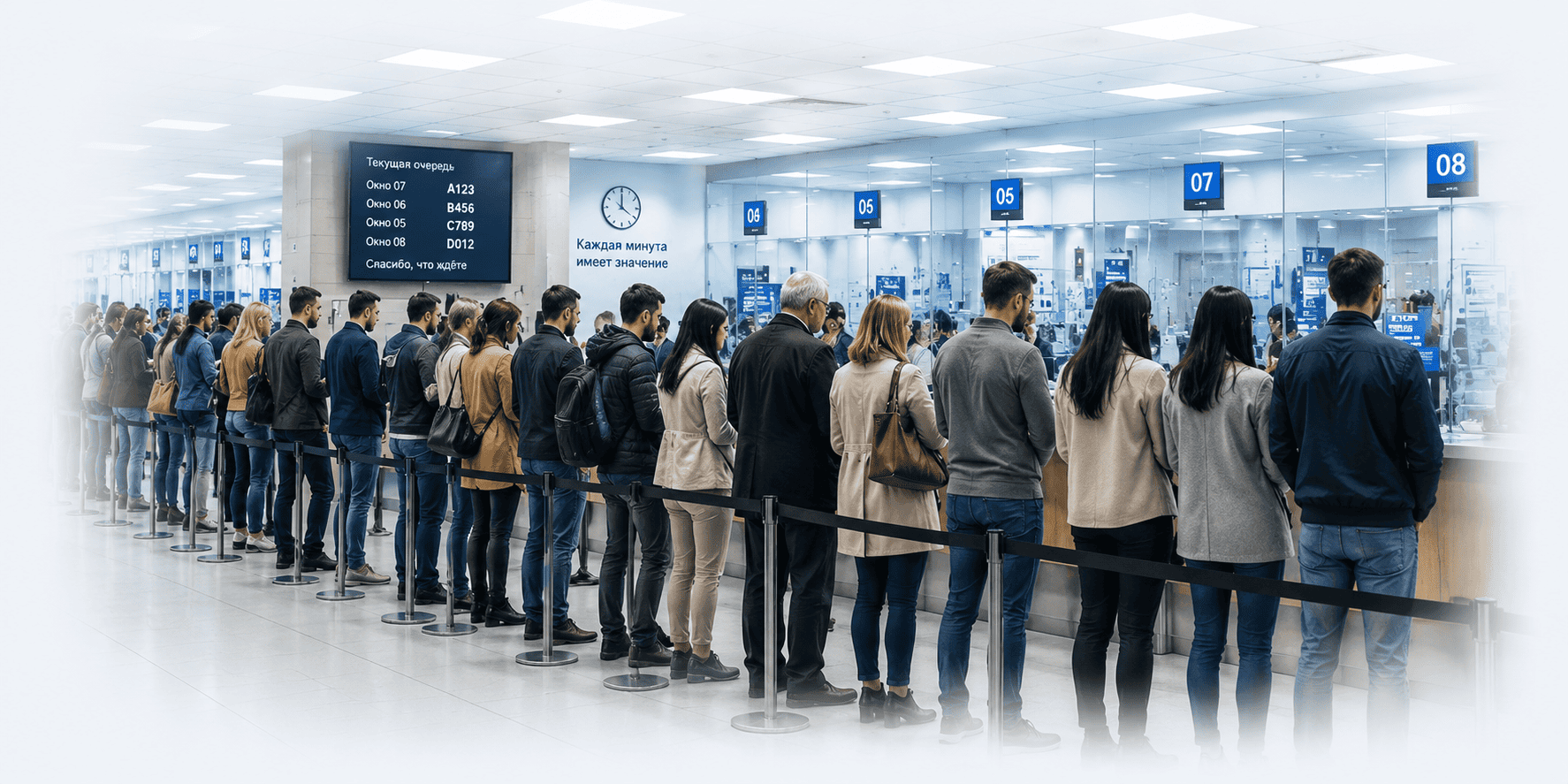
Queue problem in a service area
If only customers can see the queue, the business is already losing money. The system turns a visual problem into an event, metrics and a management action.
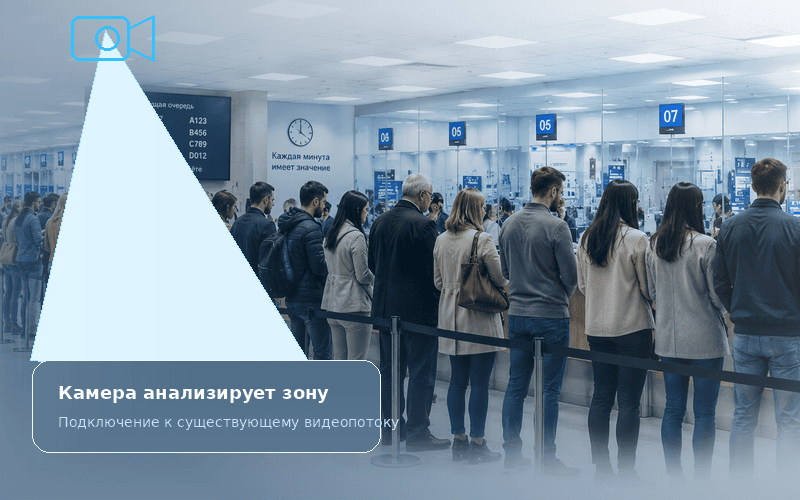
The system automatically counts people in service areas, detects queue formation, shows current occupancy, sends notifications and helps manage customer flows based on data.

Existing cameras The system connects to existing cameras and RTSP streams, so deployment can start without purchasing new equipment.
Flexible thresholds by zone Each zone can have its own rules: allowed number of people, queue length, waiting time and response scenarios.
Instant notifications Responsible staff receive events in Telegram, email, the system interface or through webhooks to external systems.
Real-time dashboard All sites, zones, queues, load peaks and events are displayed on one screen with drill-down into details.
Historical analytics The system accumulates data by day, hour, zone and site for shift planning, reporting and service-quality analysis.
Full audience analytics In addition to queues, the system can analyze gender, age, repeat visits, demographic profile and customer-flow structure.

How it works

From video stream to event, notification, forecast and management action.

Camera analyzes the zone
01

Camera analyzes the zone

We connect to existing RTSP streams and analyze selected service areas.

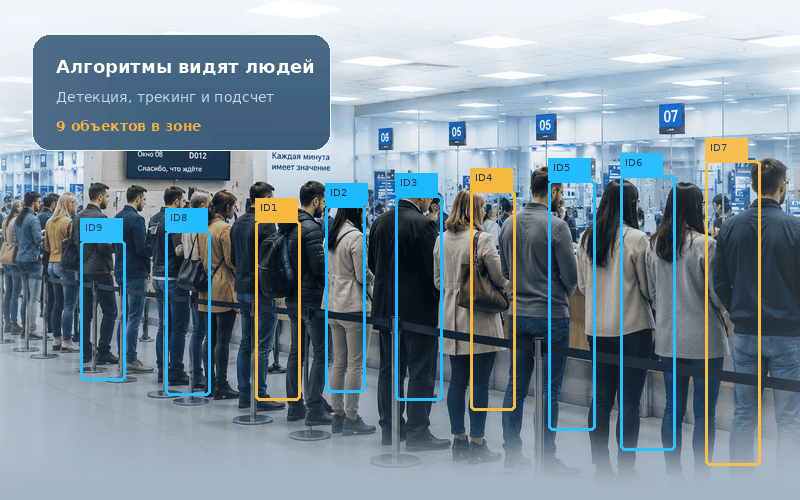
Algorithms detect people
02

Algorithms detect people

The system detects, tracks and counts people in the frame without manual monitoring.

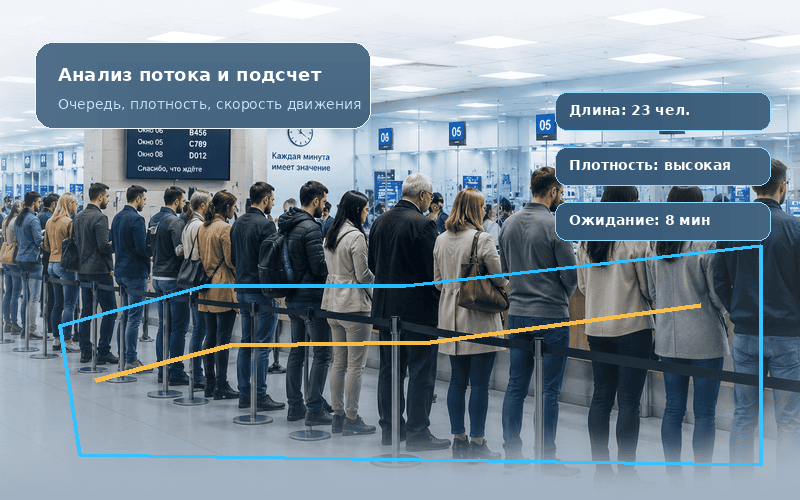
Flow analysis and queue counting
03

Flow analysis and counting

We identify queue formation, length, density, movement speed and waiting time.

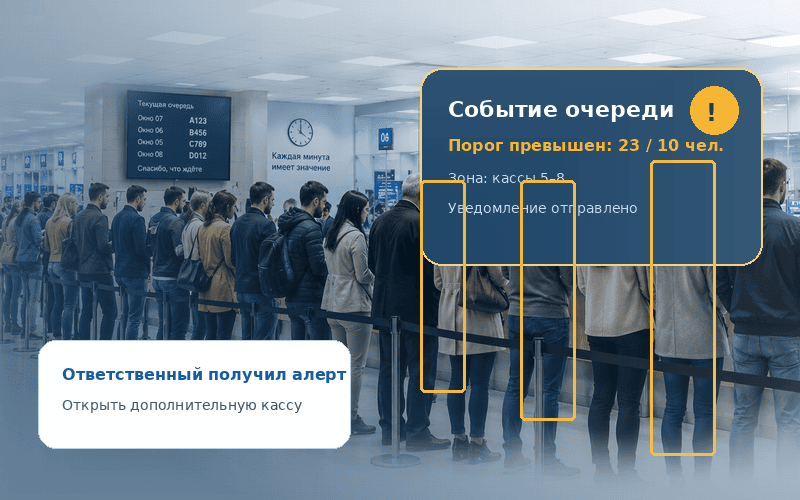
Queue event generation
04

Events are generated

When configured thresholds are triggered, an event card is created and notifications are sent.

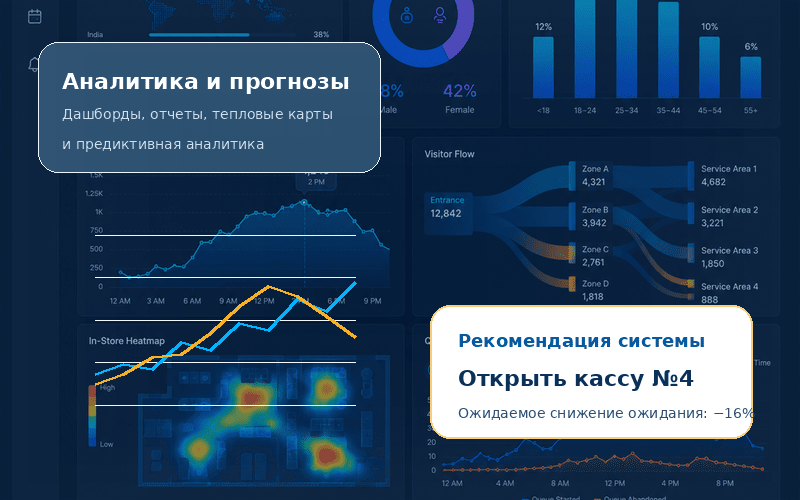
Queue analytics and forecasting
05

Analytics and forecasts

Dashboards, heat maps, reports, integrations and recommendations, such as opening another checkout.

Platform capabilities — from basic monitoring to traffic management

Functionality can be enabled step by step: from one zone to a network of sites with a unified analytics center.

Visitor and traffic counting

  • incoming and outgoing traffic
  • service-area occupancy
  • hourly and daily dynamics

Queue length control

  • number of people in queue
  • thresholds for each zone
  • event when exceeded

Waiting time and SLA

  • average and peak waiting time
  • response-time control
  • before/after comparison

Unique visitors

  • counting without duplicate visits
  • employee exclusion
  • actual customer flow

Audience analytics

  • gender and age groups
  • new and repeat visitors
  • data for marketing and BI

Dashboard and events

  • site and zone map
  • event log with filters
  • reports and data export

Heat maps

  • crowding zones
  • routes and behavior
  • finding layout bottlenecks

Forecasting and management

  • queue forecasts from historical data
  • recommendations to open a checkout
  • API, webhooks and integrations
01

Basic start

Entry/exit, zone occupancy, queue control and simple notifications.

02

Advanced analytics

History, reports, heat maps, unique visitors and audience analytics.

03

Full platform

Forecasts, recommendations, integrations, dashboards and management of a network of sites.

Business outcomes

Key effects can be measured during the pilot and then scaled across a network of sites.

Reduced customer loss

Fewer abandoned purchases caused by queues and waiting.

Higher satisfaction

A more comfortable service experience improves loyalty and NPS.

Staff load management

Employees are in the right place at the right time.

Transparent analytics by site and zone

A unified view across the network and historical reports.

Schedule optimization

Data helps build work schedules and plan shifts.

−20–40% waiting time
−50% queue complaints
5–15% labor-cost optimization
3–6 months payback period
+5–10 NPS / CSI points

Use cases

One system supports different scenarios — from a small café to an airport, public-service center or large retail network.

Integrations and deployment options

The system integrates with existing video surveillance, corporate systems, dashboards and response processes without rebuilding the entire infrastructure.

Cameras Analytics Events BI / CRM / API

Cloud

Fast pilot launch, centralized updates and minimal infrastructure requirements.

  • fast launch;
  • unified cloud dashboard;
  • convenient for pilots and site networks.

On-Prem

Deployment inside the customer environment with full control over data and integrations.

  • data stays inside the perimeter;
  • operation in isolated networks;
  • corporate security policies.

Hybrid

Local video-stream processing with centralized analytics for a network of sites.

  • local inference;
  • cloud or centralized analytics;
  • scaling as the network grows.

Integrates with your IT environment

Events, metrics, reports and notifications can be sent to the systems you already use — from VMS and BI to CRM, ERP and internal services.

RTSP VMS REST API Webhook BI CRM ERP Telegram Email Digital signage

Deployment in weeks, not months

A pilot can be launched at 2–3 sites to validate data quality, evaluate economic impact and quickly decide on scaling.

01

Audit

We check cameras, network, lighting, angles and detection zones.

1–2 days
02

Configuration

We configure zones, thresholds, events, notification rules and user roles.

1–3 days
03

Pilot

We launch the system at a limited number of sites, calibrate it and collect feedback.

1–2 weeks
04

Training

We show staff how to work with events, dashboards, reports and notifications.

1 day
05

Scaling

We connect new zones, sites and branches and expand analytics as the network grows.

according to schedule
Ready to start with one zone?

Queues can be more than observed — they can be managed.

Deploy visitor counting and queue management to turn traffic, waiting-time and zone-load data into management actions, economic impact and competitive advantage.

1–2 weeks pilot 2–3 sites fast start 3–6 months payback